IT infrastructure guide
AMC Meaning in IT: What an Annual Maintenance Contract Should Include
In this guide
- AMC meaning in IT
- Why UAE businesses use an IT AMC
- What is included in IT AMC contracts
- Comprehensive vs non-comprehensive AMC
- SLAs and response times
- Preventive maintenance schedule
- Exclusions and grey areas
- Reporting and governance
- How to set up an IT AMC step by step
- IT AMC contract checklist
- AMC vs managed IT services
- Common mistakes
- FAQ
- Conclusion
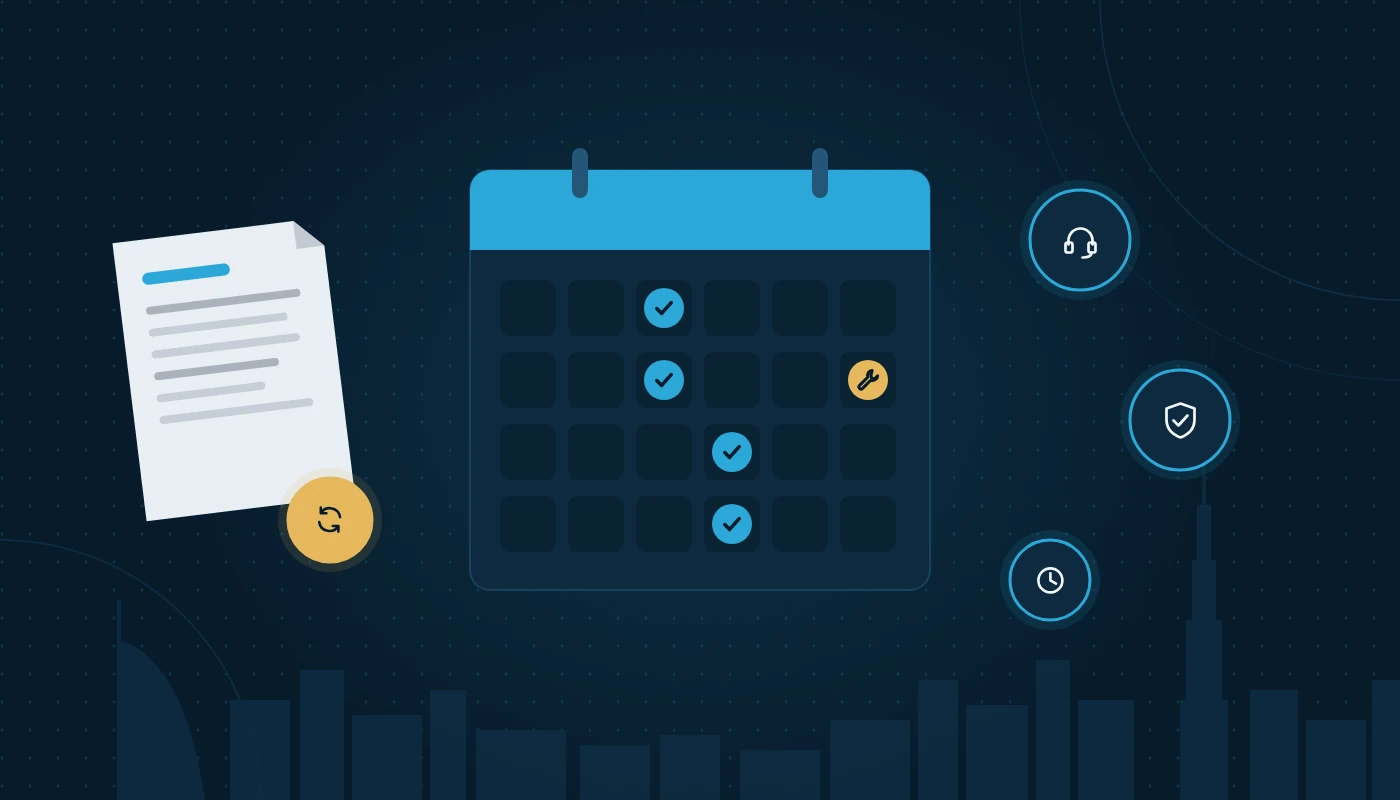
If you have searched for the AMC meaning after a supplier sent you a renewal notice, here is the short version: an AMC is an Annual Maintenance Contract, a 12-month agreement under which a provider keeps your IT equipment and systems working. This guide explains what a good IT AMC covers, how comprehensive and non-comprehensive contracts differ, which service levels to insist on, and how UAE businesses can compare proposals without getting caught by the fine print.
Key takeaways
- AMC stands for Annual Maintenance Contract: a yearly agreement covering preventive maintenance, break-fix support and agreed response times for listed IT assets.
- The single biggest difference between contracts is whether spare parts are included (comprehensive) or charged separately (non-comprehensive).
- A useful AMC is built on an accurate asset list, measurable SLAs and a written preventive maintenance schedule, not on vague promises of “full support”.
- Exclusions matter as much as inclusions: check physical damage, software licences, consumables and out-of-hours work.
- In the UAE, heat, dust and multi-site operations across emirates should shape your visit frequency and response targets.
- An AMC fixes things; a managed services agreement also runs and improves them. Know which one you are buying.
AMC meaning in IT
In everyday business language, the AMC meaning is simple: a contract you sign once a year so that someone else is responsible for maintaining a defined set of equipment. Lifts, air-conditioning units and generators all have AMCs. In IT, the same idea is applied to desktops, laptops, servers, network switches, firewalls, printers, Wi-Fi access points and sometimes software platforms.
AMC full form in IT
The AMC full form in IT is Annual Maintenance Contract. You will occasionally see “Annual Maintenance Charge” on invoices, but in contract terms the agreement itself is the Annual Maintenance Contract.
What is AMC in plain terms?
If a colleague asks “what is AMC?”, the easiest answer is: a pre-agreed way of getting your IT fixed and looked after without negotiating every single job. Instead of calling a technician, waiting for a quote and approving each visit, you agree the scope, the response times and the visit schedule up front. The provider then commits to those terms for 12 months.
Why UAE businesses use an IT AMC
Most small and mid-sized organisations in the UAE do not employ a full IT team. A 25-person consultancy in Business Bay might have one office manager who “does the IT” alongside everything else. When the file server stops responding at 9am on a Sunday, that person needs a known escalation path.
Several local factors make an AMC more valuable here than in some other markets:
- Heat and dust. Server rooms and comms cupboards that are not properly cooled, especially in older buildings or warehouses in Al Quoz and Jebel Ali, wear out fans, power supplies and batteries faster. Scheduled cleaning and health checks are not a luxury.
- Multi-emirate operations. A business with a head office in Dubai, a branch in Abu Dhabi and a warehouse in Sharjah needs a provider who can physically reach all three within agreed times.
- Compliance pressure. VAT records, Corporate Tax documentation and upcoming e-invoicing all depend on systems that are available and backed up.
- Staff turnover. When the one person who knew the network leaves, a documented AMC provider provides continuity.
A well-scoped IT AMC gives you that continuity without the overhead of hiring.
What is included in IT AMC contracts
So what is included in an IT AMC? It varies by provider, but a solid contract usually covers the following areas. Treat this as a baseline and push back on proposals that skip core items.
| Area | Typical inclusions | Questions to ask |
|---|---|---|
| Asset coverage | Named list of desktops, laptops, servers, switches, firewalls, printers, UPS units | Is every device listed by serial number? How are new devices added mid-term? |
| Break-fix support | Diagnosis and repair of hardware and OS faults on covered assets | Is remote support tried first? Who decides when a visit is needed? |
| Preventive maintenance | Scheduled visits for cleaning, health checks, firmware and patch reviews | How often? What exactly is checked? Is a report produced? |
| Helpdesk access | Phone, email or portal for logging tickets | What hours? Is there a ticket reference and status tracking? |
| Onsite engineer visits | Attendance for faults that cannot be fixed remotely | Response time per priority? Any limit on visits? |
| Spare parts | Replacement of failed components (comprehensive AMC only) | Genuine or compatible parts? Who holds stock? |
| Standby equipment | Loan device while yours is repaired | Is it guaranteed or “subject to availability”? |
| Vendor liaison | Logging warranty cases with manufacturers on your behalf | Does the provider chase the vendor or just give you a number? |
| Reporting | Monthly or quarterly service reports | What metrics? Who reviews them? |
Hardware, software and network devices
Hardware is the heart of most IT AMCs: end-user devices, servers, storage, network equipment and printers (CCTV is often a separate add-on). Operating system support is usually included, but line-of-business applications such as your ERP normally have their own vendor support. For firewalls and switches, check that firmware updates and configuration backups are in scope.
Onsite and remote support
Modern contracts blend remote and onsite work. Remote fixes are faster for software issues; physical faults need an engineer onsite. Ask how the provider balances the two and whether you can request a visit when you need one. Our IT support Dubai engineers, for example, typically start remotely and attend site when diagnosis points to hardware. For more on choosing the mix, see our article on onsite vs remote IT support.
Comprehensive vs non-comprehensive AMC
The comprehensive vs non-comprehensive AMC decision is the one that affects your budget most, so it deserves a clear explanation.
A comprehensive AMC includes labour and replacement parts for covered failures. If a server power supply fails, the provider replaces it as part of the contract. A non-comprehensive AMC (sometimes called a “labour-only” or “service-only” AMC) includes labour, diagnosis and visits, but you pay separately for any part that has to be replaced.
| Factor | Comprehensive AMC | Non-comprehensive AMC |
|---|---|---|
| Spare parts | Included for covered failures | Charged separately, usually with your approval |
| Budget predictability | High; fewer surprises | Lower; parts costs vary year to year |
| Contract value | Higher, because the provider carries parts risk | Lower, because you carry parts risk |
| Best for | Ageing equipment out of manufacturer warranty, critical servers | New equipment still under warranty, low-risk devices |
| Typical exclusions | Physical damage, consumables, liquid damage, theft | Same, plus all parts |
| Approval delays | Few; engineer replaces and reports | Possible delay while you approve a parts quote |
Which one should you choose?
A practical approach for many UAE businesses is a hybrid: comprehensive cover for servers, firewalls and core switches where downtime is expensive, and non-comprehensive cover for desktops and peripherals that are still under manufacturer warranty or cheap to swap.
Age matters too. Equipment in its first three years often still has a manufacturer warranty, so paying for parts cover twice makes little sense. Once warranties expire, comprehensive cover becomes more attractive, especially for servers whose spare parts can be hard to source quickly in the region.
What counts as a “part”?
Ask the provider to define it. Drives, RAM, power supplies and fans are usually parts; toner, batteries and cables are usually consumables. Laptop screens and keyboards are a grey area.
SLAs and response times
A Service Level Agreement (SLA) turns “we will support you” into numbers you can measure. Without an SLA, an AMC is just an expensive phone number.
Response time vs resolution time
These are different. Response time is how quickly the provider acknowledges and starts working on a ticket. Resolution time (or restoration time) is how quickly service is restored. Many contracts commit only to response times because resolution depends on factors like parts availability. That is acceptable, but you should still see target resolution times for common issues and a clear escalation path when targets are missed.
A sensible priority matrix
| Priority | Example | Typical response target | Typical restoration target |
|---|---|---|---|
| P1 – Critical | Main server down, internet outage for whole office | 30–60 minutes remote; onsite same business day | 4–8 business hours |
| P2 – High | One department cannot access a shared system | 2 hours | Next business day |
| P3 – Medium | Single user laptop fault | 4 business hours | 2–3 business days |
| P4 – Low | New user setup, minor request | Next business day | As scheduled |
These figures are illustrative. A 24-hour Jebel Ali warehouse needs round-the-clock P1 cover; a weekday design studio may not.
Also check that the contract’s “business hours” match your working week. Retail, hospitality and logistics businesses often work Saturdays, even though many offices now run Monday to Friday.
Helpdesk as the front door
Every ticket should go through a logged channel. An IT helpdesk service with ticket numbers, timestamps and status updates is the only reliable way to prove whether SLAs were met. Avoid contracts where support is “call the engineer’s mobile”.
Preventive maintenance schedule
Preventive maintenance (PM) is the part of an AMC that stops problems before they start. It is also the part most often skipped by weaker providers, because nobody notices a missed PM visit until something fails.
What a PM visit should cover
- Physical cleaning of servers, desktops and network cabinets (dust is a real enemy in UAE buildings)
- Checking fans, temperatures and fault LEDs on servers and storage
- Reviewing RAID and disk health
- Verifying backup jobs completed and testing a sample restore
- Checking UPS battery health and runtime
- Reviewing firmware versions on firewalls, switches and access points
- Confirming antivirus definitions and OS patches are current
- Updating the asset register with changes since the last visit
How often?
Quarterly PM visits are common for small offices. Monthly visits make sense for server rooms, critical sites and environments with poor cooling. A good provider adjusts frequency to the risk rather than applying one schedule to everyone.
Linking PM to your asset records
PM works best when it feeds your asset records. Each visit should update the condition, firmware and warranty status of devices. If you use IT asset management services, PM findings can flow straight into your register, which also makes AMC renewals far easier to scope. Our IT asset management best practices guide explains how to build that register.
Exclusions and grey areas
Every AMC has exclusions. The problem is not that exclusions exist but that they are often vague. Read this section of any proposal twice.
Common exclusions
- Physical, liquid or fire damage, and damage from power surges where no UPS was in place
- Consumables such as toner, ink, drums, batteries and cables
- Software licences and subscriptions (Microsoft 365, antivirus, backup software)
- Third-party applications such as ERP, CRM or bespoke software
- Relocation and new installations, such as moving offices or installing new cabling
- Work outside agreed hours, billed separately
- Equipment not on the asset list
Grey areas to clarify in writing
Ask whether data recovery from a failed disk is included, who reinstalls software after a drive replacement, and what happens when a device is “beyond economical repair” or the manufacturer stops supplying parts. Get the answers into a schedule attached to the contract, not just an email.
Reporting and governance
An AMC without reporting leaves you guessing whether you received what you paid for. Ask for a monthly or quarterly report showing tickets by priority, SLA compliance, repeat issues with root causes, PM visits completed, assets nearing end of warranty and recommendations for the next quarter.
A short quarterly review meeting with the provider is worth the time. It turns reporting into decisions, such as replacing the five laptops generating half your tickets.
How to set up an IT AMC step by step
Follow these steps to put a new contract in place or renew an existing one properly.
- Build an accurate asset list. List every device you want covered with make, model, serial number, location and warranty end date. If you do not have this, ask the provider to run a site survey first.
- Classify assets by criticality. Decide which systems need comprehensive cover and fast response, and which can be labour-only.
- Define your service hours. Match them to your operating days across all sites and emirates.
- Set SLA targets per priority. Use a priority matrix like the one above and agree what happens when targets are missed.
- Agree a preventive maintenance schedule. Specify frequency, checklist and the report you expect after each visit.
- List exclusions explicitly. Make sure grey areas are answered in writing.
- Define reporting and review cadence. Monthly reports and quarterly reviews work for most businesses.
- Plan onboarding. Handover of passwords, documentation, network diagrams and vendor contacts should be part of the start of the contract.
- Agree exit terms. Documentation and credentials should be returned to you if the contract ends.
Before inviting proposals, prepare a structured request so that every bidder responds to the same scope.
IT AMC contract checklist
Use this IT AMC contract checklist when reviewing a proposal. If you cannot tick an item, ask the provider to clarify before signing.
☐ Every covered asset is listed with serial number, location and warranty status
☐ Process for adding or removing assets mid-term is defined
☐ Contract type (comprehensive, non-comprehensive or hybrid) is stated per asset group
☐ Definition of “parts” and “consumables” is written down
☐ SLA response and restoration targets are defined for each priority level
☐ Service hours match your actual working days across all sites
☐ Escalation contacts and process are named
☐ Preventive maintenance frequency and checklist are attached
☐ Backup verification and test restores are part of PM
☐ Helpdesk channels, hours and ticketing system are specified
☐ Standby or loan equipment terms are clear
☐ Remote vs onsite support approach is described
☐ Exclusions are listed explicitly, including software and third-party apps
☐ Out-of-hours and out-of-scope work rates are explained as a model (hourly, block hours, etc.)
☐ Monthly reporting content is defined
☐ Quarterly review meetings are scheduled
☐ Data protection and confidentiality obligations are included
☐ Exit and handover obligations are included
☐ Renewal notice period and terms are clear
AMC vs managed IT services
An AMC and a managed services agreement can look similar on paper, but they are built on different ideas.
An AMC is primarily reactive with a preventive layer: equipment breaks, the provider fixes it; and a few times a year, they visit to reduce the chance of failure. The scope is usually defined by a list of hardware.
Managed IT services take responsibility for outcomes. The provider monitors systems around the clock, manages patching and security, handles user requests, plans capacity and advises on strategy. The scope is defined by users and services, not just devices.
| Aspect | IT AMC | Managed IT services |
|---|---|---|
| Focus | Keeping listed equipment working | Keeping the whole IT service running and improving |
| Scope basis | Asset list | Users, devices and services |
| Monitoring | Usually during PM visits only | Continuous, proactive |
| Security and strategy | Basic patching during visits; limited advice | Ongoing patching, alerting and roadmap input |
| Best for | Stable environments with internal IT coordination | Businesses with no internal IT team or growing fast |
A manufacturing firm in Ras Al Khaimah with a capable in-house IT officer may only need an AMC; a fast-growing DIFC fintech with no IT staff usually gets more from a managed service. If you are weighing these options more broadly, our comparison of in-house IT vs outsourced support walks through the trade-offs.
Common mistakes
- Signing without an asset list. “All IT equipment in the office” is impossible to enforce. Insist on a schedule of covered assets.
- Comparing proposals on headline value alone. Two AMCs can look similar while one excludes parts, limits visits and offers next-day response. Compare scope, not just the total.
- Ignoring preventive maintenance evidence. If you never receive PM reports, you probably are not getting PM.
- Paying twice for warranty. Covering brand-new devices under a comprehensive AMC while they still have manufacturer warranty adds little.
- Forgetting branches and warehouses. Sites outside Dubai may have slower response times. Check the SLA per location.
- No exit clause. Without handover obligations, you may struggle to get admin passwords and network documentation back.
- Letting it auto-renew. Use renewal as the moment to update the asset list and renegotiate scope.
Frequently asked questions
What is the AMC meaning in business?
AMC stands for Annual Maintenance Contract. It is a yearly agreement in which a service provider maintains specified equipment or systems for a fixed scope, with agreed response times and scheduled maintenance visits.
What is the AMC full form in IT?
In IT, the AMC full form is Annual Maintenance Contract. It covers maintenance and support of IT hardware such as computers, servers, network devices and printers, and sometimes operating systems and basic software support.
What is included in an IT AMC as standard?
Most IT AMCs include break-fix support for listed assets, helpdesk access, remote and onsite support, preventive maintenance visits, vendor warranty liaison and periodic reports. Spare parts are included only in a comprehensive AMC.
What is the difference between comprehensive vs non-comprehensive AMC?
A comprehensive AMC includes replacement parts for covered failures as well as labour. A non-comprehensive AMC covers labour and diagnosis only, and parts are charged separately when needed.
How long does an IT AMC last?
Usually 12 months. Multi-year agreements exist but should still allow the asset list and scope to be updated each year.
Does an AMC cover cybersecurity?
Only in a limited way. Most AMCs include updating antivirus and applying patches during visits. Ongoing threat monitoring, firewall rule management and incident response are normally separate managed security services.
Is an AMC worth it for a small office?
For most small offices without in-house IT staff, yes. The value comes from guaranteed response times, preventive maintenance and having someone accountable, rather than finding a technician each time something fails.
Conclusion
Understanding the AMC meaning is the easy part; writing a contract that actually protects your business takes more care. Start with an accurate asset list, decide where comprehensive cover is worth it, set measurable SLAs, insist on documented preventive maintenance and read the exclusions closely. Then review the contract every year rather than letting it roll over.
If you want to see how this fits into a wider infrastructure plan, browse the rest of our IT guides or ask us to review your current contract against the checklist above.
Ready to put a clear, measurable IT AMC in place?
More IT infrastructure guides
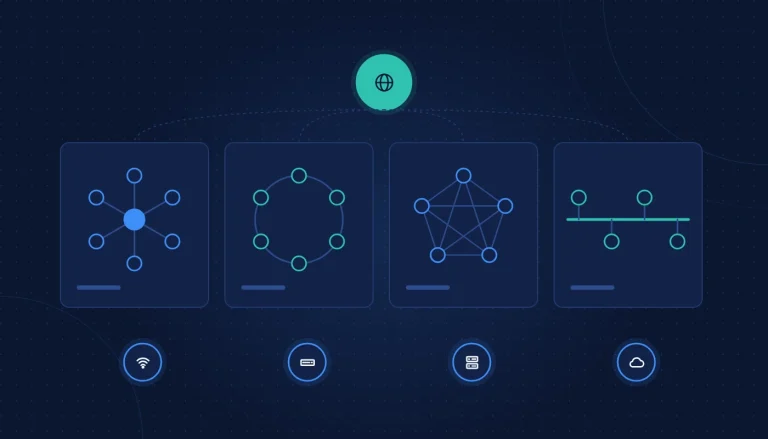
Types of Network and How to Set Up a Small Business Network
Types of network explained (LAN, WAN, WLAN, SD-WAN) and a step-by-step small business network setup: firewall, switches, VLANs, Wi-Fi and backup internet.
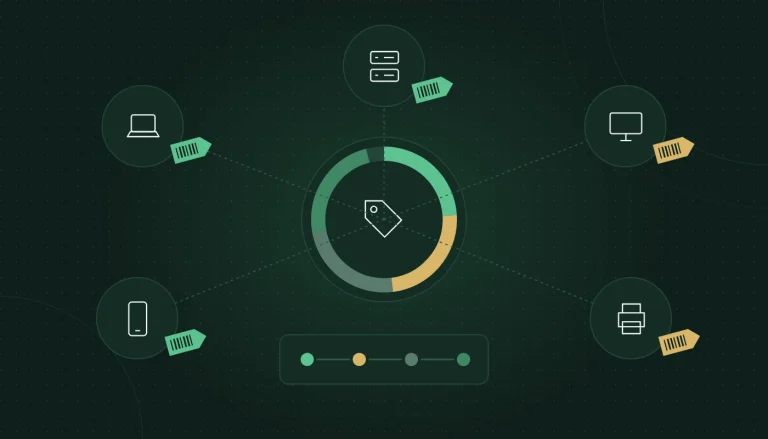
What Is IT Asset Management? Best Practices for Lifecycle, Register and Tools
What IT asset management is and how to do it well: asset register template, hardware inventory list, lifecycle stages, software licences, disposal and tools.
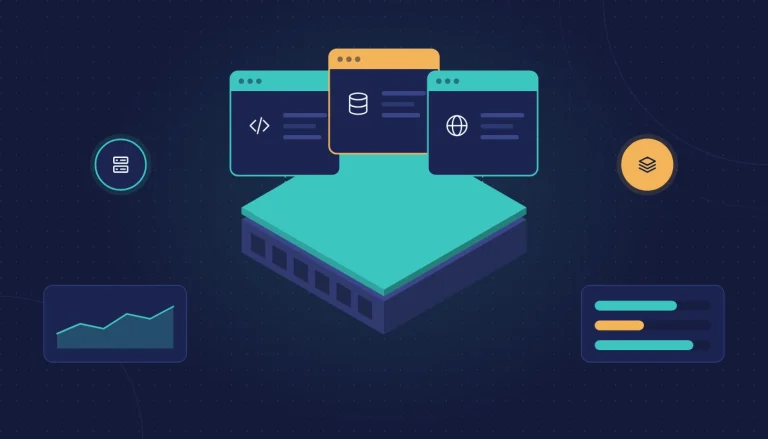
What Is Virtualization? Types, Hyper-V vs VMware and How to Plan
What virtualization is, the main types, its role in cloud computing, Hyper-V vs VMware compared, VMware alternatives and how to plan a project.