In this article
- What is an access control system?
- The components of an access control system
- Types of access control systems by credential
- Access control models: DAC, MAC and RBAC in brief
- Access control and time attendance: linking doors to payroll
- Integrating access control with CCTV and other systems
- On-premise vs cloud based access control
- Data privacy and security considerations
- Common problems with existing systems in UAE offices
- How to choose an access control system for your office
- FAQ
- Conclusion
A key cut for one employee is a key copied for five. That is the quiet problem behind most office security gaps: you rarely know who can open which door, and you cannot take access back without changing the lock. An access control system solves this by replacing keys with credentials you can grant, limit and revoke in seconds.
This article answers the question “what is access control system” in practical terms. We cover the components, the main credential types (cards, biometrics, mobile and PIN), the security models behind permissions, how access links to attendance, payroll and CCTV, privacy considerations under UAE law, and how to pick the right option for your office.
What is an access control system?
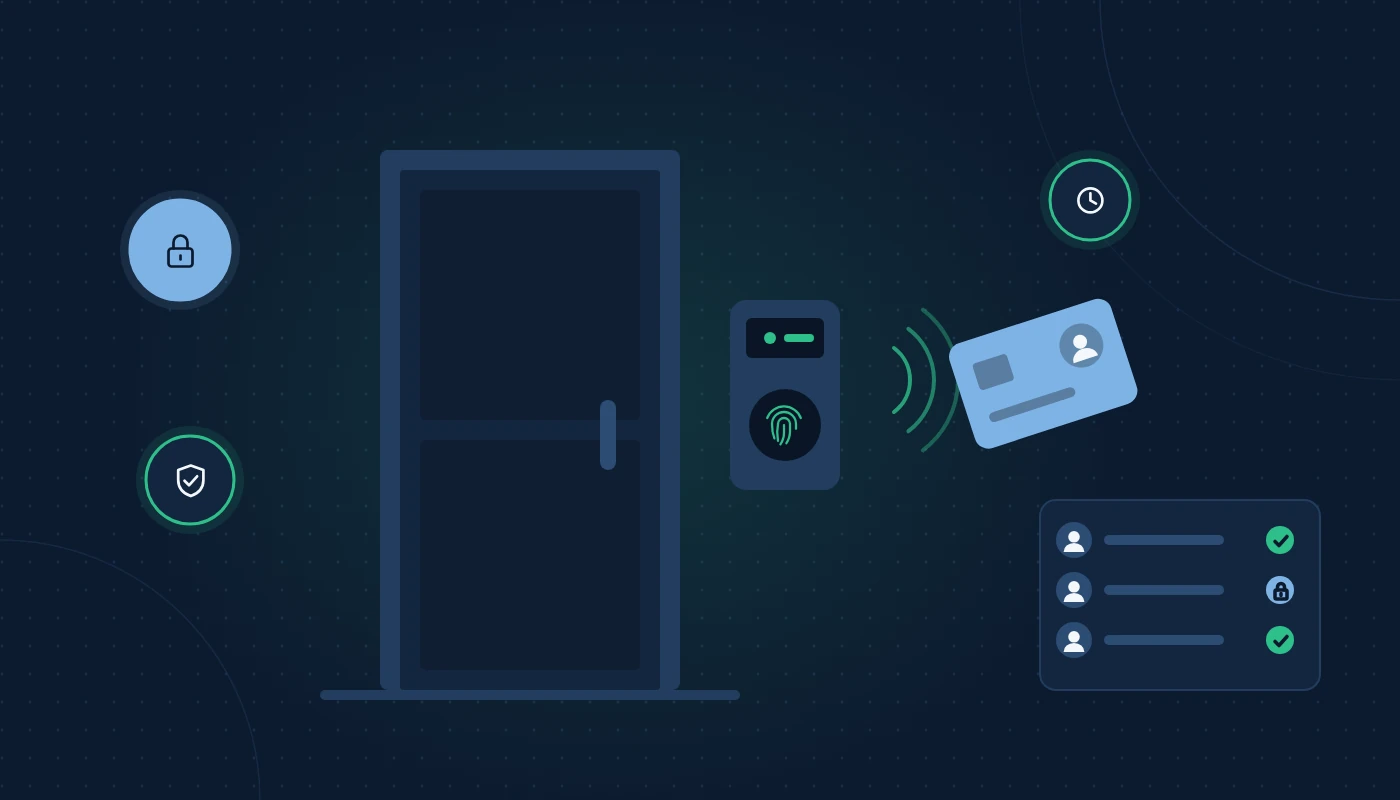
An electronic access control system decides who may pass through a door, gate or barrier, when, and under what conditions, and keeps a record of every attempt. Instead of a mechanical key, a person presents a credential: a card, a fingerprint, a face, a phone or a PIN. The system checks that credential against its rules and either releases the lock or keeps it shut.
Three things make it different from a lock and key:
- Control: you can give a cleaner access to the pantry only, from 6am to 9am, Monday to Friday.
- Revocation: when someone leaves, you disable their credential immediately. No locksmith.
- Audit trail: every entry, exit and refused attempt is logged with a timestamp.
For UAE businesses, that audit trail increasingly matters. Landlords, insurers, free zone authorities and clients in regulated sectors often expect proof that sensitive areas such as server rooms, cash offices and medicine stores are protected and monitored.
The components of an access control system
Every system, from a single-door unit to a multi-site enterprise platform, has the same building blocks.
| Component | Role | Notes for UAE offices |
|---|---|---|
| Credential | What the person presents | Card, fob, fingerprint, face, mobile credential, PIN |
| Reader | Reads the credential at the door | Indoor or outdoor rated; outdoor units need heat and dust protection |
| Controller | Makes the decision and stores rules | Can be standalone at the door or a central panel serving several doors |
| Lock hardware | Physically secures the door | Electromagnetic locks, electric strikes, motorised locks, turnstiles, barriers |
| Exit devices | Let people out | Request-to-exit buttons, motion sensors, break-glass units |
| Door sensor | Reports whether the door is open | Enables “door held open” and “forced door” alarms |
| Power supply | Powers locks and controllers | Battery backup recommended; check fail-safe vs fail-secure behaviour |
| Management software | Where you set rules and view logs | On-premise server, web-based or cloud platform |
| Network and cabling | Connects everything | Usually Ethernet or RS-485; often PoE for readers and controllers |
Fail-safe vs fail-secure
This choice matters for fire safety. A fail-safe lock (typically a magnetic lock) releases when power is lost, so people can escape. A fail-secure lock stays locked without power, which suits store rooms but not escape routes. Civil Defence rules require that doors on escape routes release on fire alarm activation, so the access system must be interfaced with the fire alarm panel.
Cabling and network design
Access control is low-voltage infrastructure, and it lives or dies on its cabling. Readers, locks, door contacts and exit buttons all need runs back to the controller, and controllers need network connections. Planning this during fit-out with a structured cabling contractor avoids surface trunking and later rework. Controllers should also sit on a separate VLAN, isolated from user devices, which is part of good network solutions design.
Types of access control systems by credential
When people search for the types of access control systems, they usually mean the credential. Each has strengths and trade-offs.
Card access system for office doors
A card access system for office use is still the most common choice. Staff tap a card or key fob on a reader.
- Low-frequency proximity (125 kHz): older, cheap and easy to clone. Avoid for new installations.
- High-frequency smart cards (13.56 MHz, e.g. MIFARE DESFire, iCLASS SE/Seos): encrypted and much harder to copy.
- Dual-use cards: many UAE office towers already issue building access cards. Some systems can read the same card for your office doors, which avoids staff carrying two.
Strengths: fast, familiar, works with gloves, easy to issue to visitors.
Weaknesses: cards are lent, lost or left at home; card-only access does not prove who is actually entering.
Biometric access control for office use
Biometric access control for office environments uses a physical characteristic instead of something you carry.
- Fingerprint: mature and widely used, but struggles with dry, dusty or worn fingers, which is common on construction and warehouse sites.
- Face recognition: contactless and fast, now the most popular choice for new office installations. Look for liveness detection to resist photos and screens.
- Palm vein and iris: highly accurate, used in high-security areas like server rooms and labs.
Strengths: cannot be lent, ideal for attendance because it proves the person was present.
Weaknesses: biometric data is sensitive personal data and must be protected carefully; some users have accessibility needs that require an alternative method.
Mobile and PIN credentials
- Mobile credentials use Bluetooth or NFC on a smartphone or smartwatch. They are convenient for flexible workspaces and for issuing temporary access to contractors remotely.
- PIN pads are simple and cheap but PINs are shared easily. Best used as a second factor with a card or biometric for sensitive doors.
Multi-factor at the door
For server rooms, finance stores or pharmacies, combine two methods: card plus PIN, or card plus face. This is the physical equivalent of multi-factor authentication for your email.
| Credential | Security level | Speed | Attendance accuracy | Typical use |
|---|---|---|---|---|
| Proximity card (125 kHz) | Low | Fast | Low (buddy punching possible) | Legacy sites only |
| Encrypted smart card | Medium–high | Fast | Medium | Main entrances, general offices |
| Fingerprint | High | Medium | High | Attendance terminals, staff doors |
| Face recognition | High | Fast | High | Reception, high-traffic entrances |
| Mobile credential | Medium–high | Fast | Medium | Co-working, multi-site, contractors |
| Card + PIN / card + face | Very high | Slower | High | Server rooms, cash offices, labs |
Access control models: DAC, MAC and RBAC in brief
Behind every system is a logic for deciding who gets what. Three models come up often.
- Discretionary Access Control (DAC): the owner of a space decides who may enter. Flexible but hard to keep consistent as the company grows.
- Mandatory Access Control (MAC): access is set centrally by security classification, and individuals cannot change it. Used in government, defence and high-security facilities.
- Role-Based Access Control (RBAC): access follows job roles. All “warehouse staff” get warehouse doors; all “finance” get the finance office. When someone changes role, their access changes automatically.
Most commercial offices use RBAC, often with time schedules on top. It scales well and makes audits simpler, because you review roles rather than hundreds of individual permissions.
Access control and time attendance: linking doors to payroll
Combining access control and time attendance is one of the biggest practical wins for UAE employers. The same reader that opens the door records when each employee arrived and left.
Why it matters in the UAE
Employers paying salaries through the Wage Protection System (WPS) need accurate working hours to calculate overtime, deductions for unauthorised absence and leave balances under UAE labour law. Manual registers and spreadsheets invite disputes. Biometric or face-recognition terminals produce records that are hard to contest.
How the integration works
- The access system logs entry and exit events per employee.
- Events are exported or synced to an attendance module, applying shift rules, Ramadan working hours, grace periods and overtime policies.
- Approved timesheets flow into payroll, which generates the WPS salary file.
The cleanest setups sync directly with your HR system. If you are evaluating HR software in the UAE, ask specifically how it imports attendance data, which terminal brands it supports and how it handles multiple sites and shifts.
A worked scenario
Picture a 90-employee food production company in Dubai Industrial City running two shifts. Previously, supervisors noted arrival times on paper and HR re-keyed them weekly. After installing face-recognition terminals at the staff entrance and connecting them to the HR system, overtime calculations became automatic, and month-end payroll preparation shrank from three days to one. Buddy punching disappeared overnight because a colleague’s face cannot be borrowed.
Integrating access control with CCTV and other systems
Access control becomes far more useful when it talks to other building systems.
CCTV integration
When an access event occurs, such as a forced door or a refused card, the system can bookmark the matching camera footage or pop up a live view for the guard. Investigations that once took hours of scrolling now take seconds. This works best when cameras and doors are designed together; providers that handle both CCTV installation in Dubai and access control can plan camera angles to cover each controlled door.
For camera selection itself, see our CCTV buying guide for UAE businesses.
Visitor management
Reception kiosks or apps can pre-register visitors, issue QR codes or temporary cards and record Emirates ID or passport details where policy requires it. Temporary credentials expire automatically at the end of the visit.
Lifts, car parks and turnstiles
In multi-storey buildings, access can control which floors a card can select in the lift. Car park barriers can recognise number plates or staff cards. Turnstiles at reception prevent tailgating.
Fire alarm and intrusion systems
Integration with the fire panel releases escape doors in an emergency. Integration with intrusion alarms can arm a zone automatically when the last authorised person leaves.
On-premise vs cloud based access control
Traditionally, access control software ran on a server in the building. Cloud based access control moves the management software to a provider’s platform, with controllers at each site connecting securely over the internet.
| Factor | On-premise | Cloud based |
|---|---|---|
| Management | From a PC or server on site | From any browser or mobile app |
| Multi-site | Needs networking between sites | Built in |
| Updates | Your responsibility | Handled by provider |
| Internet dependence | Low | Controllers usually keep working offline, but management needs internet |
| Spending model | Mostly upfront licences and hardware | Typically subscription per door or per user |
| Data location | On your premises | Provider’s cloud; check hosting region |
Cloud suits companies with several branches, co-working operators and businesses without in-house IT to maintain a server. On-premise suits sites with strict data residency rules or limited connectivity. Always confirm that door controllers continue working, and caching permissions, if the internet drops.
Data privacy and security considerations
Access logs and especially biometric templates are personal data. The UAE’s Federal Decree-Law No. 45 of 2021 on the Protection of Personal Data sets out general principles, while free zones such as DIFC and ADGM have their own data protection regimes.
Practical steps:
- Collect only what you need. Use templates rather than storing raw fingerprint or face images where the system allows.
- Tell employees. Include access and attendance data processing in employment contracts or privacy notices.
- Restrict who can view logs. HR, security and management should see only what their role requires.
- Set retention periods. Keep logs as long as policy and labour law require, then delete them.
- Secure the system itself. Change default passwords, update controller firmware and isolate devices on their own network. Hardened controllers on a segregated VLAN are a basic part of data loss prevention thinking, because access logs and biometric databases are attractive targets.
Common problems with existing systems in UAE offices
When we review access control installed by a previous fit-out contractor, the same issues come up again and again. If you already have a system, check for these before deciding whether to upgrade or replace.
- Leavers still active. The most common finding. Cards and fingerprints of staff who left months ago still open doors because nobody linked HR exits to the access system.
- Legacy proximity cards. Many buildings still use 125 kHz cards that can be copied with inexpensive devices in seconds.
- Standalone units with no central log. Each door keeps its own records, so investigating an incident means visiting every reader with a laptop.
- Magnetic locks with no fire alarm link. A serious safety issue on escape routes, and one that may fail a Civil Defence inspection.
- Controllers on the guest Wi-Fi network. Devices with default passwords sitting on the same network as visitors’ phones.
- Readers baking in the sun. Outdoor readers mounted without a canopy or heat rating fail early, particularly on car park and loading bay gates.
- No battery backup. A short power cut either locks everyone out or leaves every door open, depending on lock type.
A simple quarterly review of active users, plus an annual technical check of locks, batteries and firmware, resolves most of these.
How to choose an access control system for your office
Work through these questions before requesting quotations:
- How many doors, and which ones? Main entrance, server room, finance office, store rooms, emergency exits. Prioritise by risk.
- What credentials suit your staff? Office teams adapt well to face recognition; warehouse teams may prefer cards.
- Do you need attendance? If yes, choose terminals and software that integrate with your HR and payroll.
- How many sites? Multiple branches point toward cloud management.
- What does the building already have? Landlord systems, existing cards and fire panel interfaces affect design.
- What are the environmental conditions? Outdoor gates in Dubai summer need readers rated for heat, sunlight and dust.
- Who will maintain it? Plan for firmware updates, battery checks and lock servicing.
- What is the expansion path? Choose a platform that can add doors, sites and integrations without replacement.
Our generic advice: start with the doors that protect the highest-value or highest-risk areas, use encrypted cards or face recognition rather than legacy proximity cards, integrate with HR from day one, and keep everything on a properly segmented network.
Frequently asked questions
What is access control system security, in simple words?
It is an electronic system that decides who can open which doors and when, using cards, fingerprints, faces, phones or PINs instead of keys, and records every entry attempt.
What are the main types of access control systems?
By credential: card or fob, biometric (fingerprint, face, palm, iris), mobile and PIN. By management: standalone, networked on-premise and cloud based. By permission model: discretionary, mandatory and role-based.
Is biometric access control for office use legal in the UAE?
Yes, it is widely used, but biometric data is sensitive personal data. Inform employees, limit access to the data, secure it properly and follow the applicable federal or free zone data protection rules.
Can access control and time attendance use the same device?
Yes. Many terminals handle both, logging entries for attendance while controlling the door. The data then flows to HR software for payroll and WPS processing.
Is cloud based access control secure?
It can be, provided the provider uses encryption, multi-factor authentication for administrators and secure hosting. Check where data is hosted and whether controllers work offline during internet outages.
Do I need access control on emergency exits?
Escape doors can be monitored and alarmed, but they must release for safe exit in an emergency, typically through fire alarm integration and break-glass units. Confirm requirements with your fire consultant.
Conclusion
What is access control system technology really for? It replaces uncontrolled keys with credentials you can manage, gives you a clear record of who entered where and when, and, when linked to attendance, HR and CCTV, becomes a practical operational tool rather than just a lock.
For UAE offices, the best choice balances security, staff convenience, integration with payroll and WPS, heat-rated hardware for outdoor doors, and compliance with data protection rules. Plan the cabling and network early, choose encrypted or biometric credentials, and decide upfront whether cloud management suits your sites. For more infrastructure topics, visit our IT infrastructure blog.